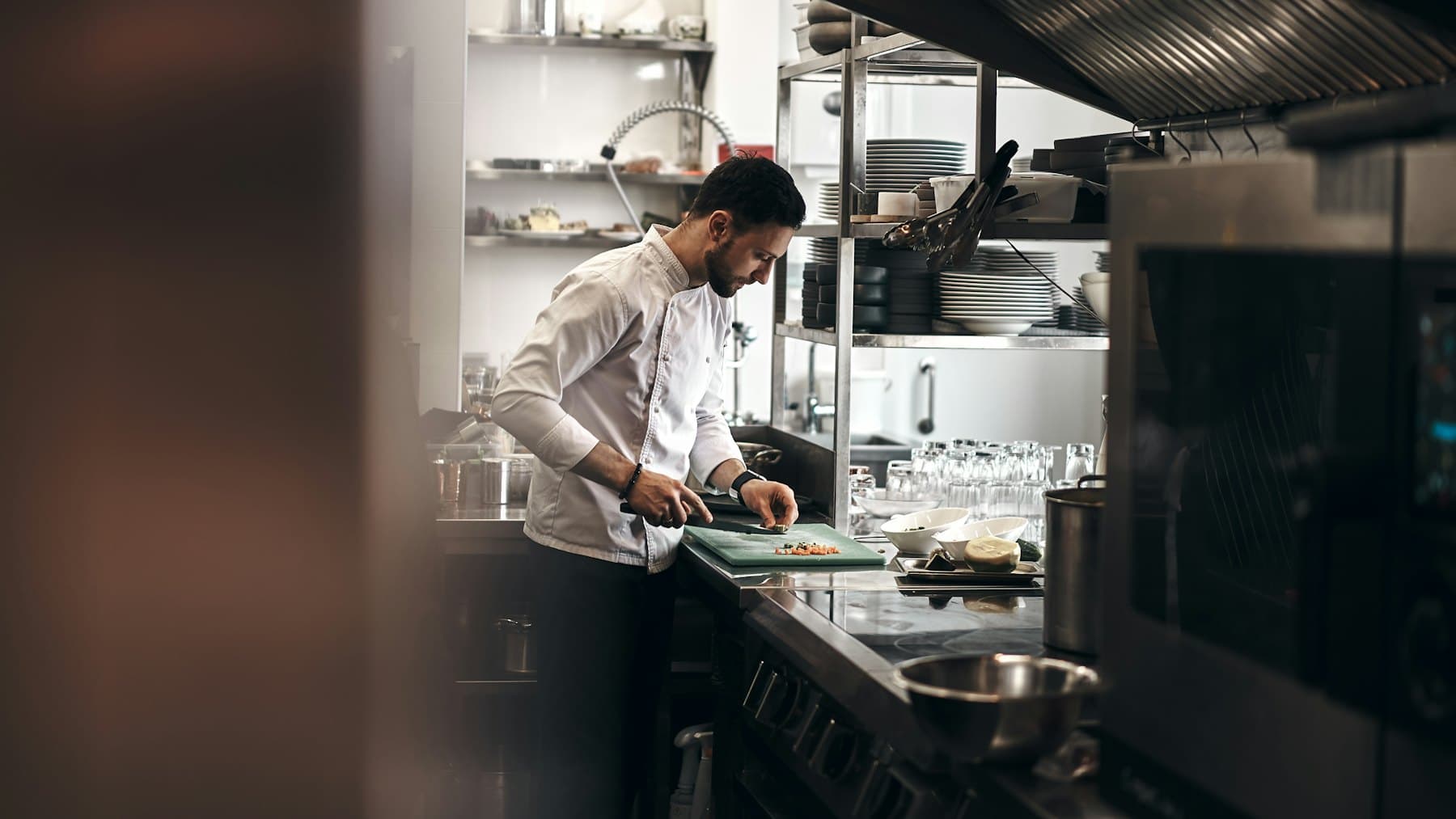
Chef cooking in a restaurant kitchen
A smiling restaurant owner in his restaurant
Owner · 4 outlets
All outlets on track today
46/48
tasks done
31/34
staff in

Run Your Restaurant. Without Running After Everyone.

Manage staff, shifts, tasks, checklists, attendance, expenses, equipment and daily operations, all from one place.

No card needed Android app on Google Play GPS attendance
Today's tasks
TaskAgeStatus
Clean grease trap
Rahul · Kitchen
2dOverdue
Opening checklist
Anita · Service
4hDone
Chiller temp log
Bishal · Kitchen
1hDue 2 PM
Washroom inspection
Priya · Housekeeping
5hVerified
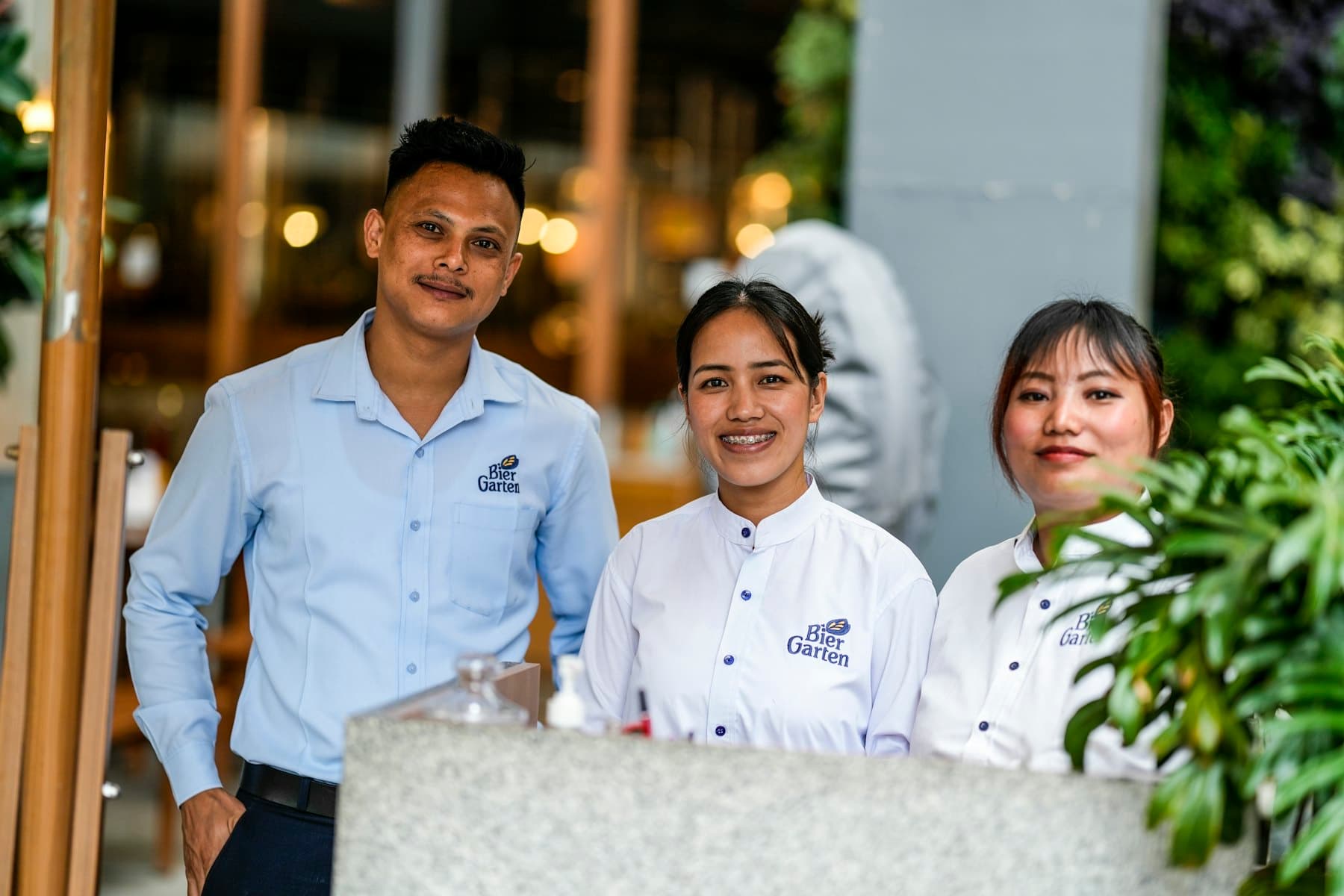
Restaurant staff at the service counter

Try it yourself

Click around the real dashboard.

Not sure where to start? Pick what you run — tick a task, answer a checklist, approve a leave, log a temperature.

What do you run?

Pick one and the dashboard opens on the screen you'd use first.

Or just click around the dashboard →

Tasks · Today
A simplified version of Outleto with demo data, so you can click around. The real product has more.
13
modules in one app
~30
ready-made reports
4×
task reminders a day
50+
permissions you control

One platform. Every restaurant operation.

Everything your restaurant needs. One powerful manager.

From opening the restaurant in the morning to closing it at night — people, shifts, tasks, checklists, food safety, equipment, money and reports, connected in one system.

01 / 13

Team

Profiles, documents

Your whole restaurant team in one place — kitchen to cashier — with documents, departments and the right access for each person.

  • Profiles and documents
  • Departments and designations
  • Outlet assignments
  • Bulk import and exits (web)
  • Salaries owner-only by default
  • Helpers raise requests for staff without phones
Team · 34 people
Kitchen
KKK
12
Service
SSS
9
Housekeeping
HHH
5
Bar
BBB
4
Cashier
CCC
4

Your restaurant. Your manager. Your control.

A restaurant manager shouldn't need five apps to run one outlet.

Outleto puts everything in one place.

Before

Five different apps for one outlet
Duties lost in WhatsApp groups
Paper attendance registers
Spreadsheets for leave and salary advances
Calling the manager to ask “was this done?”

With Outleto

Know what is happening.
Know who is responsible.
Know what is completed.
Know what needs attention.

How we make your day easy

Everything your restaurant manager needs

Daily operations

Turn your SOPs into work you can track

Create one-time, recurring and step-by-step tasks, assign them to people or departments, set deadlines and verify the proof. No more asking “was this done?” — the system tells you.

Know More
  • Today's pending, completed and overdue work
  • Photo proof submitted by staff
  • Recurring duties and task calendar
  • How old every task is, at a glance
  • Flagged issues surface first
Today's tasks
TaskAgeStatus
Clean grease trap
Rahul · Kitchen
2dOverdue
Opening checklist
Anita · Service
4hDone
Chiller temp log
Bishal · Kitchen
1hDue 2 PM
Washroom inspection
Priya · Housekeeping
5hVerified
Photo proof
7:04 AM · Kitchen
GPS verified
Checklists

Opening, closing and everything in between

Run daily, weekly and monthly checklists for every area of the restaurant. Staff tap Yes / No, add a photo, and anything that fails goes straight to the manager.

Know More
  • Opening & closing checklists
  • Kitchen hygiene, dining area, washroom
  • Weekly deep cleaning, monthly compliance
  • Scores and flagged items for review
  • Ready-made templates to start from
Opening checklist5 / 9
Gas lines checked
YesNoN/A
Hand-wash stocked
YesNoN/A
Floor dry, no spillage
YesNoN/A
Attendance & shifts

Know exactly who came to work

GPS punch in/out inside the outlet's geofence, a weekly roster everyone can see, and a full-screen alarm so nobody “forgets” their shift. No more registers. No more guessing.

Know More
  • GPS punch in/out, location required
  • Shift roster with print-ready PDF
  • Live team attendance and late alerts
  • Kiosk mode on a shared counter phone
  • Fix-a-punch requests and extra hours
Employee
Bishal
Anita
Rahul
Saturday
Morning
Evening
Morning
Sunday
Evening
Morning
OFF
Monday
OFF
Morning
Evening
Leave management

Plan leave around your busiest days

Weekends and festival days can be marked as no-leave days. Staff see who else is off before they apply, and managers approve from a list or a calendar — before the Saturday rush, not during it.

Know More
  • Apply, check balance, see holidays
  • Team leave calendar by department
  • No-leave days escalate to the owner
  • Plan and reschedule leave
  • Paid / unpaid split and waiting periods
Who's off · KitchenOctober
MTWTFSS
1
2
3
4
5
6
7
8
9
10
11
12
13
14
Red = weekend no-leave days
Team management

Your whole team, kitchen to cashier

Profiles, documents, departments and designations for every outlet — Kitchen, Service, Bar, Housekeeping, Cashier, Management. Salaries stay owner-only by default.

Know More
  • Employee profiles and documents
  • Departments, designations, outlets
  • Add staff in a minute, bulk import on web
  • Department helpers raise requests for staff without phones
  • Points and leaderboard to reward the best
Team · 34 people
Kitchen
KKK
12
Service
SSS
9
Housekeeping
HHH
5
Bar
BBB
4
Cashier
CCC
4
Food safety

Food safety that doesn't depend on memory

Recurring temperature checks for fridges, freezers, hot holding and prep areas. Out-of-range readings and missed checks reach the manager right away.

Know More
  • Refrigerators and freezers
  • Food storage and prep areas
  • Hot holding
  • Missed-check alerts
  • Food safety reports for audits
Temperature · 12 PM round
Walk-in chiller3.8°CSafe
Freezer 1−19°CSafe
Freezer 2−9°COut of range
Bain-marie68°CSafe
Equipment

Scan. Report. Fix. Track.

Every combi oven, chiller and fryer gets a QR label. Staff scan it to report a problem, managers log inspections, and you see the complete service history.

Know More
  • QR labels, printed from the web
  • Report problems with a photo
  • Inspections and service logs
  • Equipment status at every outlet
  • Import your equipment list
Combi oven · EQ-0142
Hot kitchen · Koramangala
Needs service84 days since service
Expenses & salary advances

Keep everyday spending under control

Staff submit expense claims with a bill photo and ask for salary advances. Managers approve, the owner marks them paid, and every payment gets a voucher.

Know More
  • Expense claims with bill photos
  • Salary advances with recovery
  • Approve, mark paid, print voucher
  • Penalties: add, waive, track
  • Money reports by outlet
Expense claims
ItemAmountStatus
Lemons + mint₹1,840Pending
Gas refill₹2,150Paid
Cleaning supplies₹960Approved
Approvals & reports

One inbox for approvals. ~30 reports for answers.

Leave, punch corrections, expenses and advances land in one Approvals inbox. Reports cover tasks, checklists, attendance, leave, money, equipment and food safety — export to Excel or PDF, or get them emailed on schedule.

Know More
  • Approvals inbox with a badge count
  • Checklist scores by outlet
  • Attendance master and hours reports
  • Excel / PDF export
  • Scheduled reports and daily WhatsApp summary
Reports
Checklist scores by outlet View
Attendance master View
Food safety log View
Expenses & advances View

A day at your restaurant

From the first punch-in to the last checklist

  1. 6:55 AM
    Shift alarm rings

    Kitchen team punches in with GPS at the outlet

  2. 7:30 AM
    Opening checklist

    Gas, chillers, hand-wash, floor — with photos

  3. 12:00 PM
    Temperature round

    Freezer out of range? Manager gets alerted

  4. 4:00 PM
    Approvals

    Leave and expenses approved between rushes

  5. 11:30 PM
    Closing checklist

    Owner gets the day's summary on WhatsApp

Web for the office. App for the floor.

One account. Works on the web and on every phone.

Owners plan and review on the web. Managers and staff run the shift from the Android app — with things only a phone can do.

9:415G ▮▮▮
Hi, Bishal 👋
Koramangala · Kitchen
Morning · 7 AM – 3 PM In geofence
04:12:37
Punched in 6:58 AM · on time
Punch out
6
To do
1
Overdue
2
Checklists
Today
Walk-in chiller temp log
Due 2:00 PM
Today1h
Clean tandoor & exhaust
Due 3:00 PM
Today3h
Check FIFO in dry store
Overdue
Overdue1d
Home
Tasks
Checklists
Attendance
Me
On the web
  • All settings
  • Report export & schedules
  • Bulk imports
  • QR label printing
  • PDF prints & vouchers
  • Roles & permissions
  • Task templates
  • Attendance master
On the app
  • GPS punch in/out
  • Full-screen shift alarm
  • Kiosk mode
  • QR equipment scan
  • Push notifications
  • Separate staff & manager homes
Outleto for Android
Free on Google Play · Android 8.0 or newer

GPS punch in/out, the shift alarm, tasks, checklists, approvals and push notifications — for owners, managers and staff. Log in with your phone number.

Get it onGoogle Play Installs and updates from the Play Store

Built only for restaurants

For every kind of restaurant

Whether you run one café or a chain of outlets across the city.

QSR & fast food
Cafés
Fine & casual dining
Cloud kitchens
Bars & pubs
Bakeries & desserts
Pizza & delivery
Food courts
Hotel restaurants
Caterers
Multi-outlet chains
Kitchen → Service → Bar → Housekeeping → Cashier

The right screen for every role

Owner, manager, staff — everyone sees just what they need

Sees everything, at every outlet

  • Every outlet on one dashboard: today's work, attendance, flagged items
  • Approve leave on no-leave days, expenses, advances and penalties
  • About 30 reports with Excel/PDF export and scheduled emails
  • Salaries, roles and per-person access stay owner-only
  • Outlet documents and expiry dates, audit log of who changed what
  • Daily WhatsApp summary, even when you're not at the restaurant

Need something in between? Create custom roles from 50+ permissions. Nobody can grant a permission they don't hold themselves.

Why Outleto

Why restaurants choose us

Made only for restaurants

Weekend no-leave days, rush-hour approvals, late closing shifts, kitchen departments — the defaults already fit how a restaurant runs.

Proof, not promises

Photo proof on tasks and checklists, GPS on every punch, and an audit trail of who changed what.

Simple enough for every staff member

Log in with a phone OTP — no email needed. Reminders arrive on push, WhatsApp and SMS, so nothing gets missed.

Built by restaurant people

Made by people who run restaurants.

Outleto is made by Food Studio — a restaurant business running multiple outlets and brands for 7+ years — together with Keyline Digitech, the technology company behind WAgen AI. Every screen comes from a real problem on the restaurant floor.

7+ years
running restaurants
Multiple
outlets & brands
10+ years
in technology
SD
Sumit Das
Founder, Food Studio

A decade in technology and 7+ years running restaurants across multiple outlets and brands — the owner's and manager's day is built into every feature.

food-studio.in
SK
Subrat Kundu
Founder, Keyline Digitech Pvt. Ltd.

Leads Keyline Digitech, the company behind WAgen AI — secure, scalable WhatsApp automation for businesses of all sizes.

keylines.net

FAQs

Questions restaurant owners ask

What is Outleto?+

Outleto is restaurant operations software built for Indian restaurants. It brings staff attendance with GPS punch-in, shift rosters, leave, tasks, SOP checklists, food safety temperature logs, equipment maintenance, expenses, approvals and about 30 reports into one web dashboard and Android app for owners, outlet managers and staff.

Which restaurants is Outleto built for?+

QSRs and fast food, cafés, fine and casual dining, cloud kitchens, bars and pubs, bakeries, food courts, hotel restaurants, caterers and multi-outlet chains — from a single café to a chain of outlets.

Is there a mobile app?+

Yes. The Android app (Android 8.0 or newer) is on Google Play. It does GPS punch in/out, the full-screen shift alarm, kiosk mode, QR equipment scans, tasks, checklists, approvals and push notifications. Owners also get the full web dashboard.

Do my staff need an email address?+

No. Everyone logs in with their mobile number and a one-time password. Email is optional.

Can staff punch in from home?+

No. Punch in/out needs the phone's location, and it has to be inside the outlet's geofence. For a shared counter phone, use kiosk mode.

I have more than one outlet. Does it work?+

Yes. The owner sees every outlet on one dashboard; each outlet manager sees their own outlet. HR covers every outlet.

Can my managers see salaries?+

Not by default. Salaries are owner-only. You can switch any permission on or off per role or per person.

What is on the web and what is on the app?+

Everyone can use both. The web adds settings, report export and schedules, bulk imports, label printing and PDF vouchers. The app adds GPS punch, the shift alarm, kiosk mode, QR scanning and push notifications.

How do weekends and festival days work for leave?+

Mark them as no-leave days. Staff can still ask, but those requests go to the owner to decide, and staff see who else is off before applying.

How do I get a demo or support?+

On WhatsApp. Message us on +91 89105 61227 — the live demo, help with setting up and day-to-day support all happen there.

Who makes Outleto?+

Food Studio, a restaurant business that has run multiple outlets and brands for 7+ years, together with Keyline Digitech Pvt. Ltd., the technology company behind WAgen AI.

Your restaurant. Fully under control.

From opening checklists to closing tasks, manage your people, operations and outlets in real time — even when you're not there.

Live demo, onboarding and support — all on WhatsApp at +91 89105 61227

Demo account · no sign-up

Log in to a restaurant that's already running.

Spice Route Kitchens has 2 outlets, 10 staff, a month of attendance, today's tasks and checklists, and leave waiting for approval. Log in as anyone — on the web or the Android app — and try it for real.

Admin

Owner

Rahul Mehta

Both outlets, approvals inbox, reports, money and settings

Admin

Outlet manager

Priya Nair

Koramangala: live attendance, tasks to verify, leave to approve

Staff

Chef

Arjun Kumar

My tasks and checklists for today, punch in/out, apply leave

Staff

Server

Meena Das

Front-of-house tasks, opening checklist, my attendance

Staff

Kitchen helper

Ravi Yadav

Cleaning tasks with photo proof, my points

Password for every login

On the Android app (Google Play), tap Login with Email. The demo is shared and resets every morning.